COD Verification Settings
Reduce Return to Origin (RTO) rates by automatically confirming Cash on Delivery orders via WhatsApp.
Confirm or Cancel Automation
When enabled, Pakora sends a WhatsApp message to the customer with interactive buttons. Once the customer clicks their choice, your Shopify order tags update instantly:
Order tag updated to cod_confirmed
Order tag updated to cod_cancelled
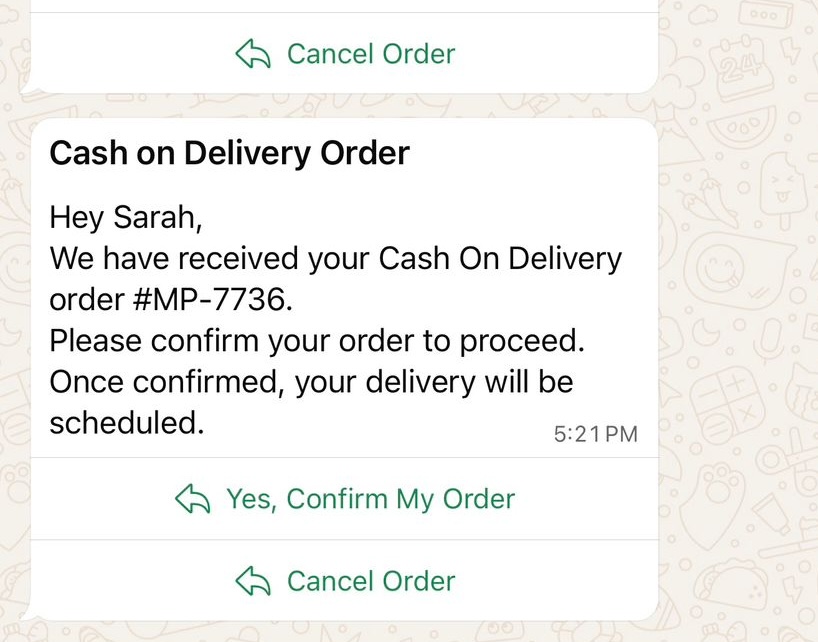
Figure: WhatsApp message with Confirm and Cancel buttons
Template Configuration
Ready-Made Template
The easiest way to get started is using Pakora's pre-built COD verification template. Simply generate it from the Templates page, and it will automatically work for all COD orders.
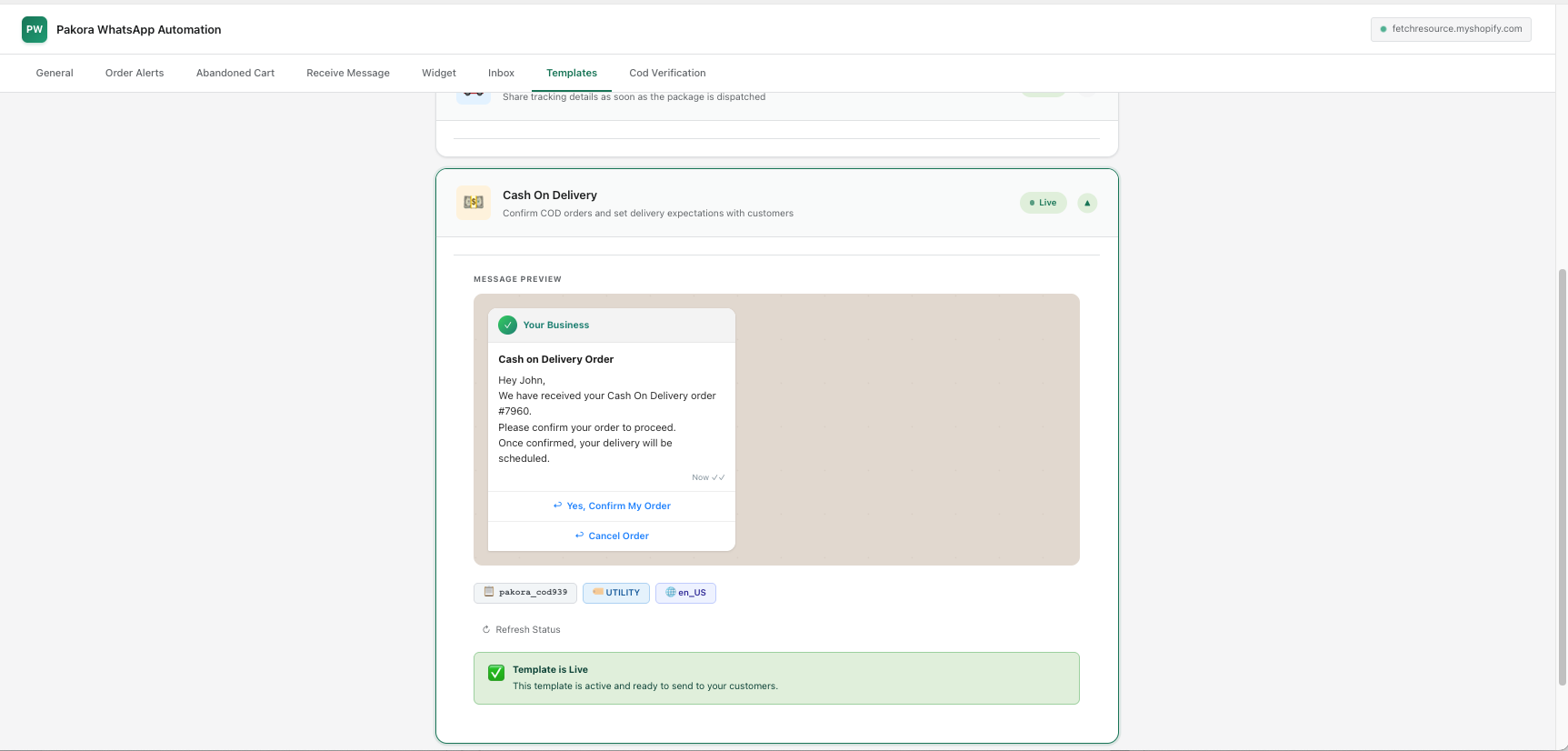
Figure: Pakora Shopify Templates Page
Why This Feature is Essential
✅ Validates Customer Numbers
Ensures the customer's mobile number is real and reachable before dispatch.
🤖 Zero Manual Work
Fully automated system — no need to call customers manually to confirm orders.
🚫 Prevents Fake Orders
Blocks fraudulent COD requests before they reach your logistics pipeline.
📉 Reduces RTO by 40%
Significantly cuts Return to Origin costs and delivery failures for COD orders.
📦 Improves Delivery Success
Only confirmed orders are processed, ensuring higher delivery success rates.
⚡ Instant Tag Updates
Shopify order tags update in real-time based on customer's WhatsApp response.
Quick Setup Checklist
🔦 Before you go live:
Was this page helpful?